iOS/Android Share Sheet: Sending text, links, images and PDF files on mobile

views
Note: if you're using iOS, the Shortcuts for sharing content to Amplenote are no longer maintained. Instead, the native Share Sheet functionality replaces the need for using Shortcuts.
linkHow to share content to Amplenote on mobile
To share content to your Amplenote notebook, simply tap on the Share button and choose Amplenote from the list of apps.
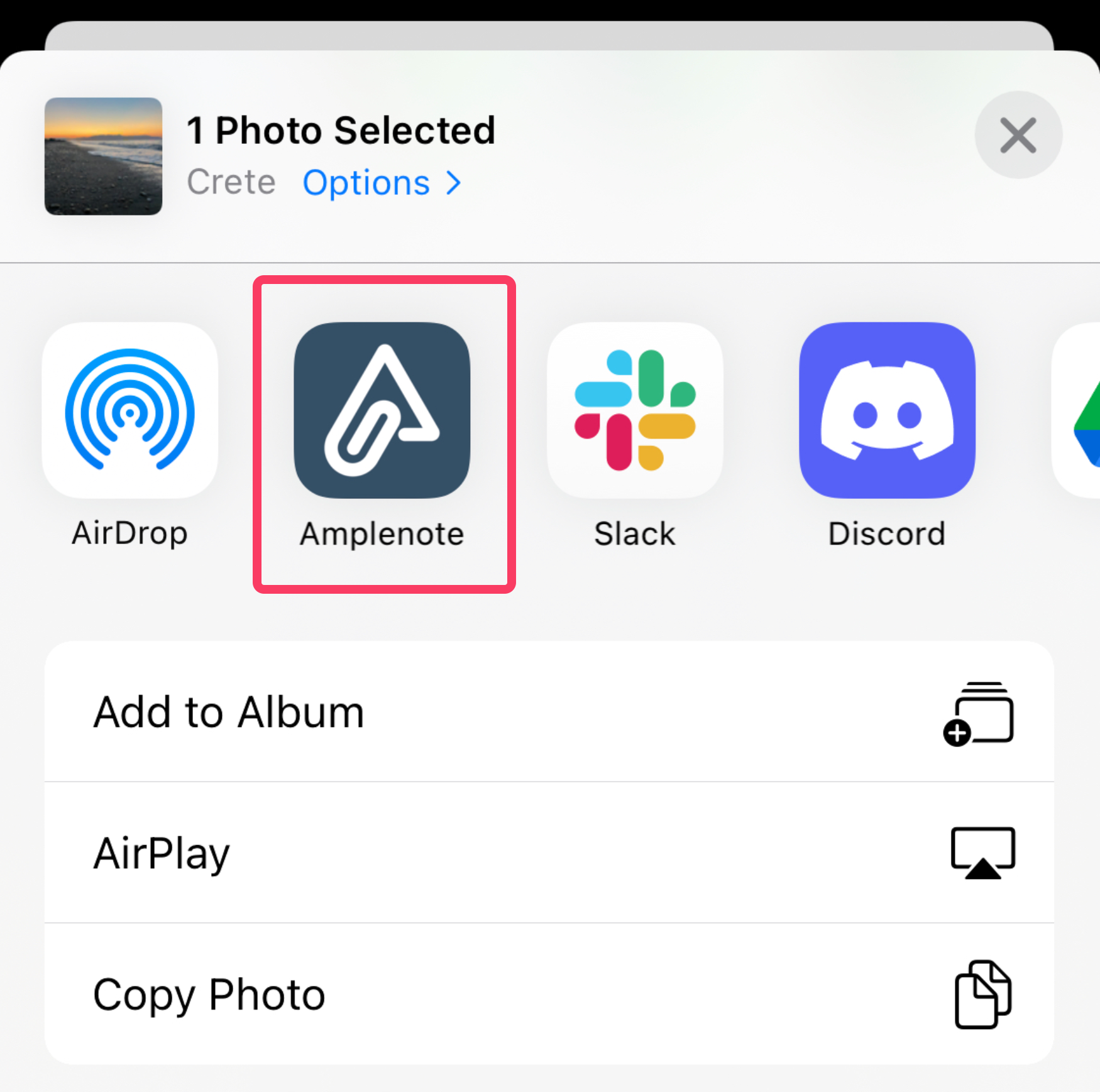
The location of "the Share button" varies depending on app and operating system. Below are some video examples on how to share content using iOS.
linkSharing images to Amplenote on iOS
linkSharing links to Amplenote on iOS
linkSharing text to Amplenote on iOS
linkPinning Amplenote in the Share Sheet
linkAdding Amplenote as a shortcut on iOS
linkPinning Amplenote on Android
linkEditing content before adding
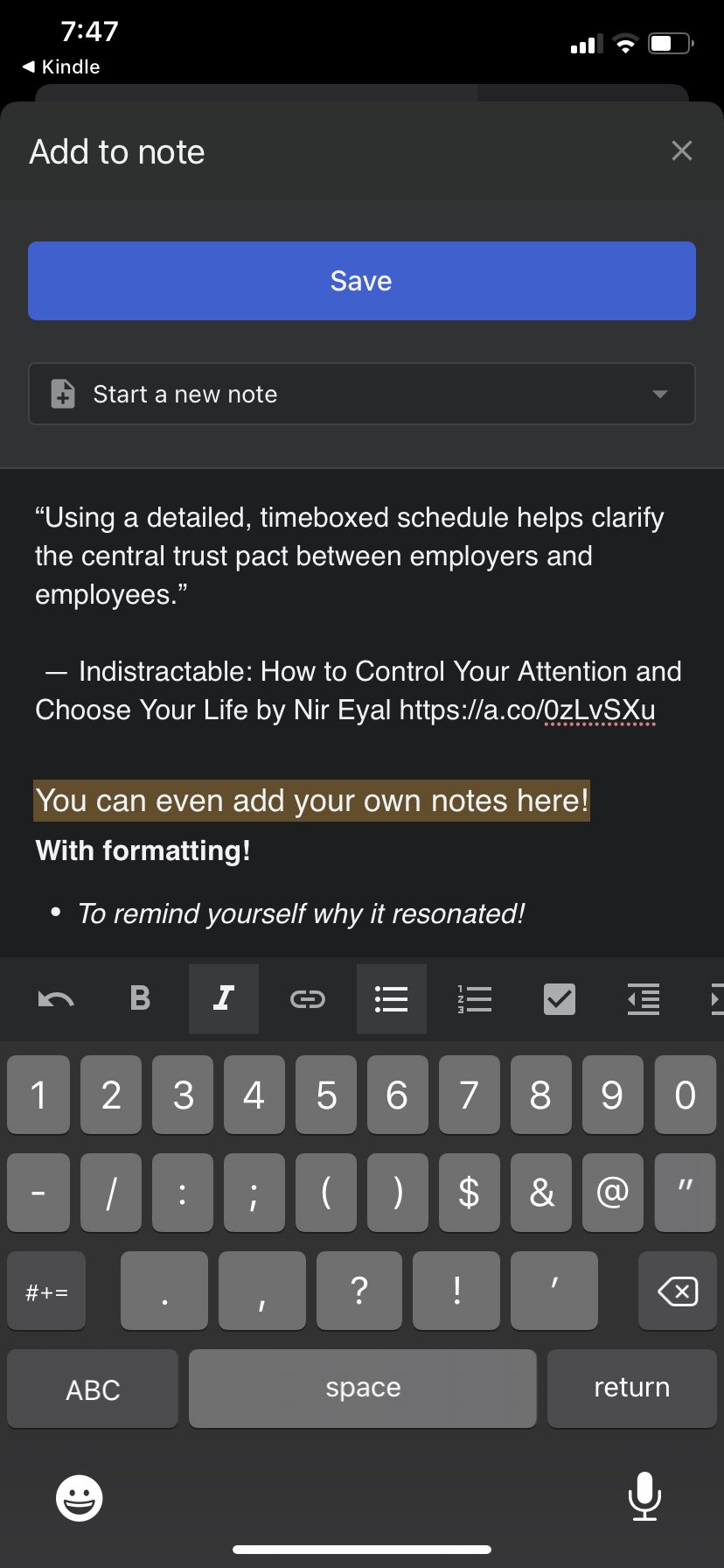
When sharing content to Amplenote, a new modal appears that lets you edit what is being added to Amplenote. All of the usual formatting options are available.
linkWhat kind of content can I share to Amplenote?
Using the native Share Sheet capabilities you can share:
Image files
PDF files
Word, Excel and Powerpoint files
URLs
Text selections