The "Work in Review" tab is designed to be a one-stop page to give each team member a full sense of what issues, pull requests, and commits are being worked on lately by their team.
Near the top of the "Work in Review" page is a module labeled "Recent Activity Summary." You can think of this module like the "daily newspaper" for your dev team. It aggregates the most important news on what is changing, and gives you a fast & convenient way to dig into those changes.
On this page, we will review the different tabs that are shown in the Recent Activity Summary. The module can show up to four tabs, but the prospective tabs will be hidden if there is no recent content to show in them.
The sections of this page are ordered by the importance of the tabs. When you first load the "Work in Review" tab, GitClear will automatically open the highest precedence tab that has recent content to show.
linkPull requests awaiting your review
This tab is shown when a pull request author has requested your review of their pull request, and either A) you have not yet reviewed the pull request or B) you did review the pull request, but you didn't approve it, and the pull request author has made additional commits since you left your review.

When there is a pull request awaiting your review, it will be opened as the default tab.
Since "Time awaiting pull request review" is the most common Team Goal that managers choose to activate, we strongly encourage pull request reviewers to click through a pull request and add their feedback to it, when it has new work that the PR author would like to merge.
linkRecently active pull requests
This tab is shown when the chosen team has open pull requests with activity during the past few business days.
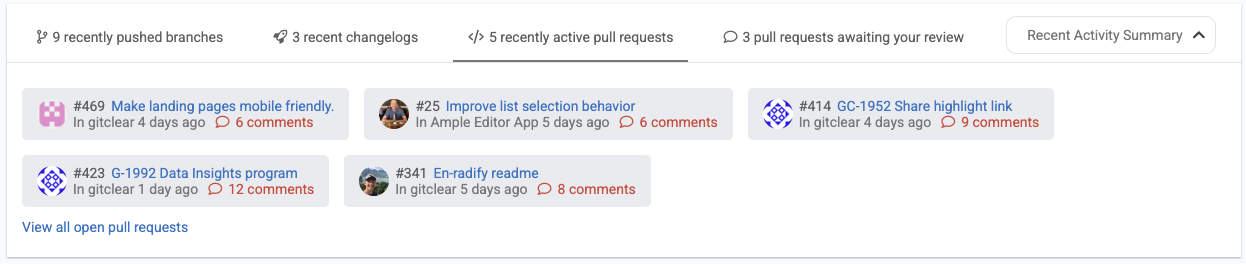
A list of all open pull requests with recent activity being worked on by your team
This tab helps promote a lower Cycle Time, by ensuring that a pull request keeps its momentum by staying top-of-mind for the developers that could potentially review it.
linkRecent changelogs
Part of the Committer Changelog system, which conveys a reader-friendly glimpse into what the team has worked on lately, often accompanied by a screenshot of the feature.
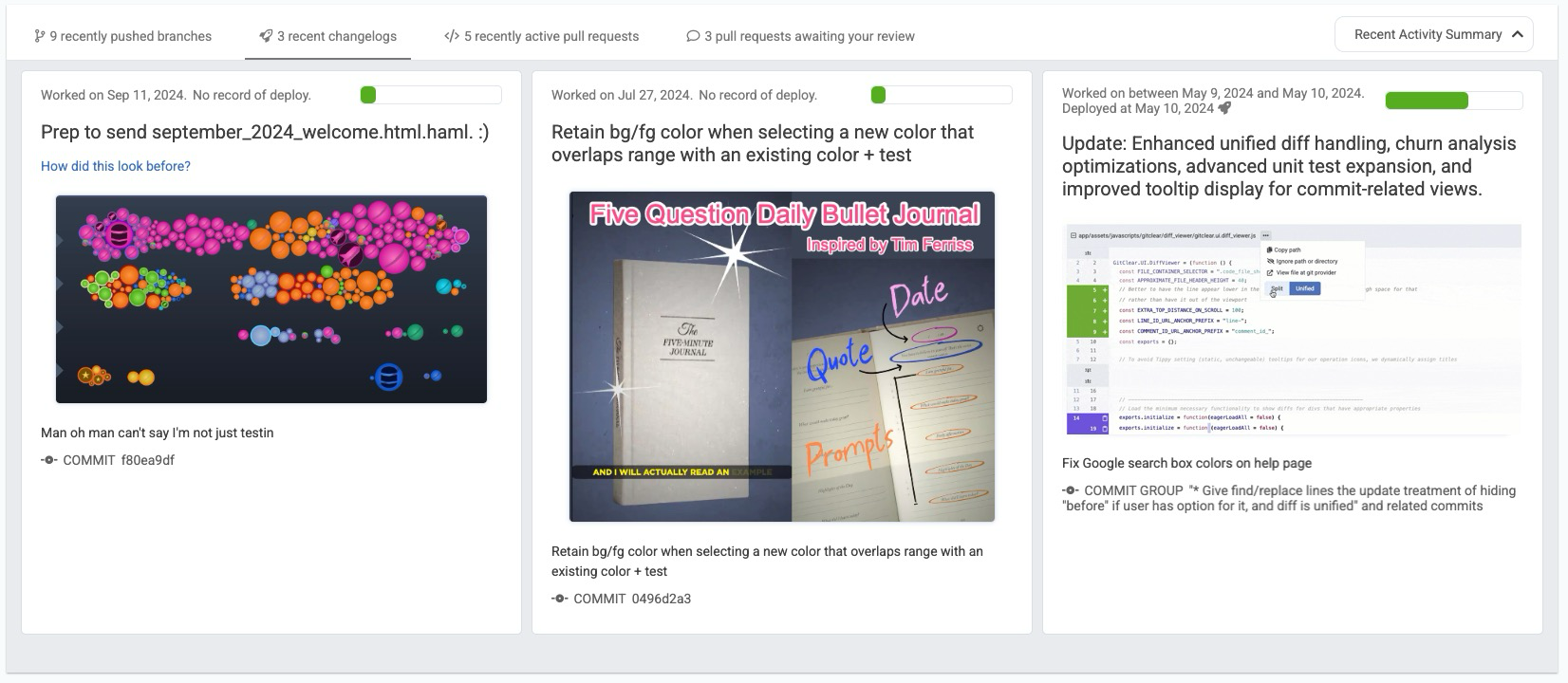
Recent changelogs opens a visual look at what the team has been implementing in the past few days
For teams that cultivate the discipline to publish their work on regular basis, the "Recent Changelogs" tab can become a stand-in to replace the disruption of daily "standup meetings" that are employed by some managers. Regardless of whether this tab manages to supplant time spent on meetings, it is a great way to help a developer remember the latest work they have implemented during the past week or month. This can seriously cut down on the time and distraction of preparing for sprint meetings, or weekly team "progress update" meetings.
linkRecently pushed branches
What work is underway that has yet to graduate to an opened pull request? The "Recently Pushed Branches" tab tells the story.

What work is underway across all the repos in the selected resource?
This tab is especially useful when a Lead Developer or Manager is looking to assist a newly-hired developer that might be apprehensive about submitting their first few pull requests. This tab allows team members to preliminarily review work that is being prepared for a pull request, to either offer encouragement that the commits look 👍 to submit as a pull request, or that there are ideas you can offer to help the new team member get up-to-speed with the team's coding conventions.