Want to process an open source repo as part of your GitClear account? No problem! You can enter the name of any Github open source repo in the "Quick import" field of the usual "Import Repos" page, available from the "Browse" tab after clicking the "Add repos" button.
First, enter the path of the open source repo to import, then press enter:
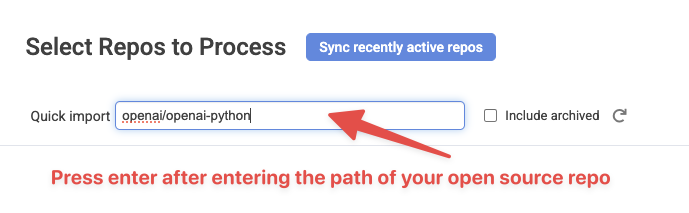
Input the path of an open source repo to process
Then it will show up among the repos queued to begin import upon clicking the "Import selected repos" button:
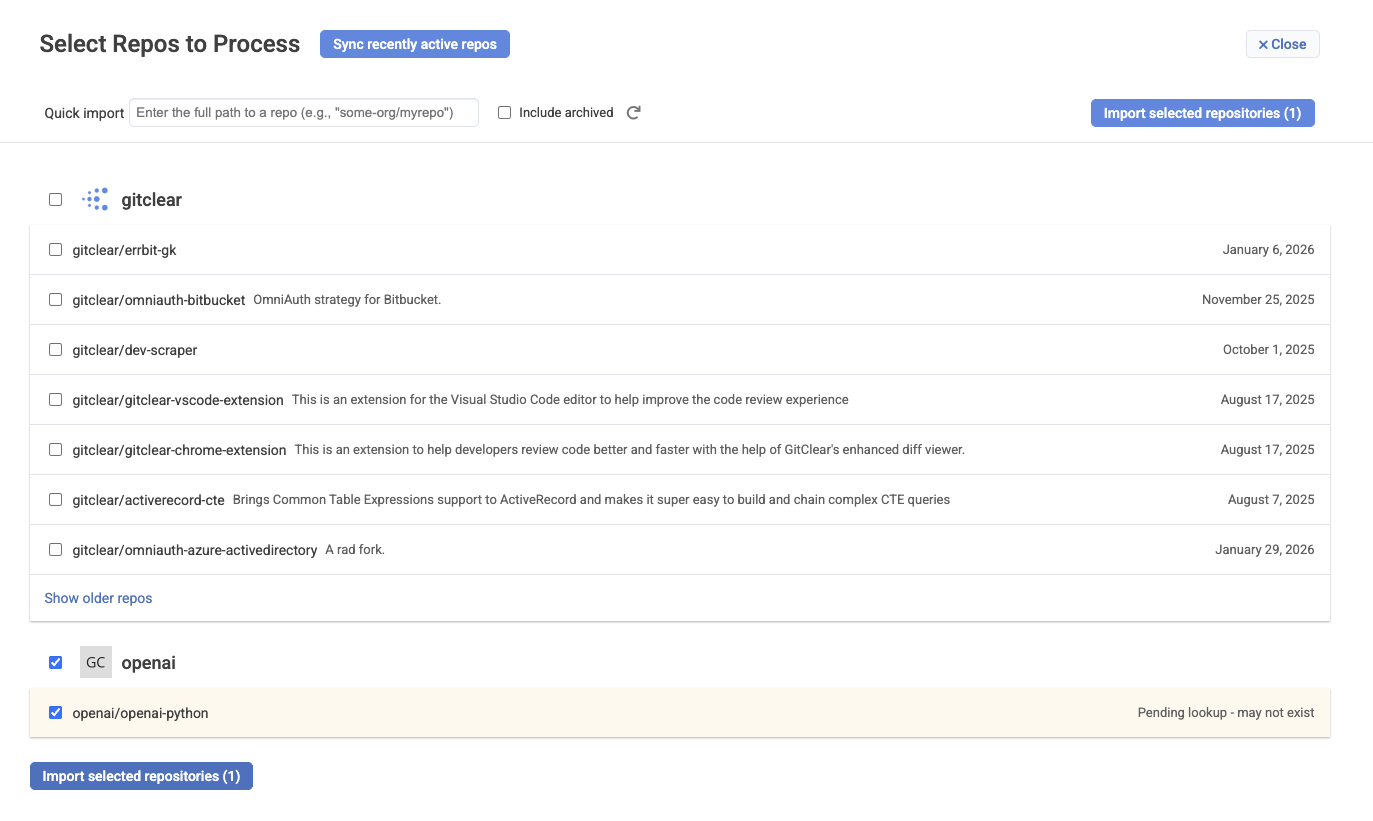
After entering an open source repo to import
Github allows customers to use their API quota for fetching work from private or public repos, so be aware that importing open source repos can reduce the speed of processing your organization's first-party repos, if you haven't invited enough users to GitClear that you have multiple Github connections to draw quota from.
As with any repo queued for processing, you'll be able to control which developers should have their commits processed & counted toward your organization stats. You can manage which Contributors are processed on the Contributor Settings page, and adjust your subscription licenses from the Subscription Management page.