There are two straightforward options to retrieve any GitClear data in a structured format. Many GitClear customers use data exporting to feed the chart segments to an LLM for analysis of how recent activity compares to historical norms, or to industry benchmarks.
linkOption 1: Retrieve data via CSV (comma separated value) link on each chart
The fastest way to quickly retrieve data from a chart is to click the icon in the upper-right:
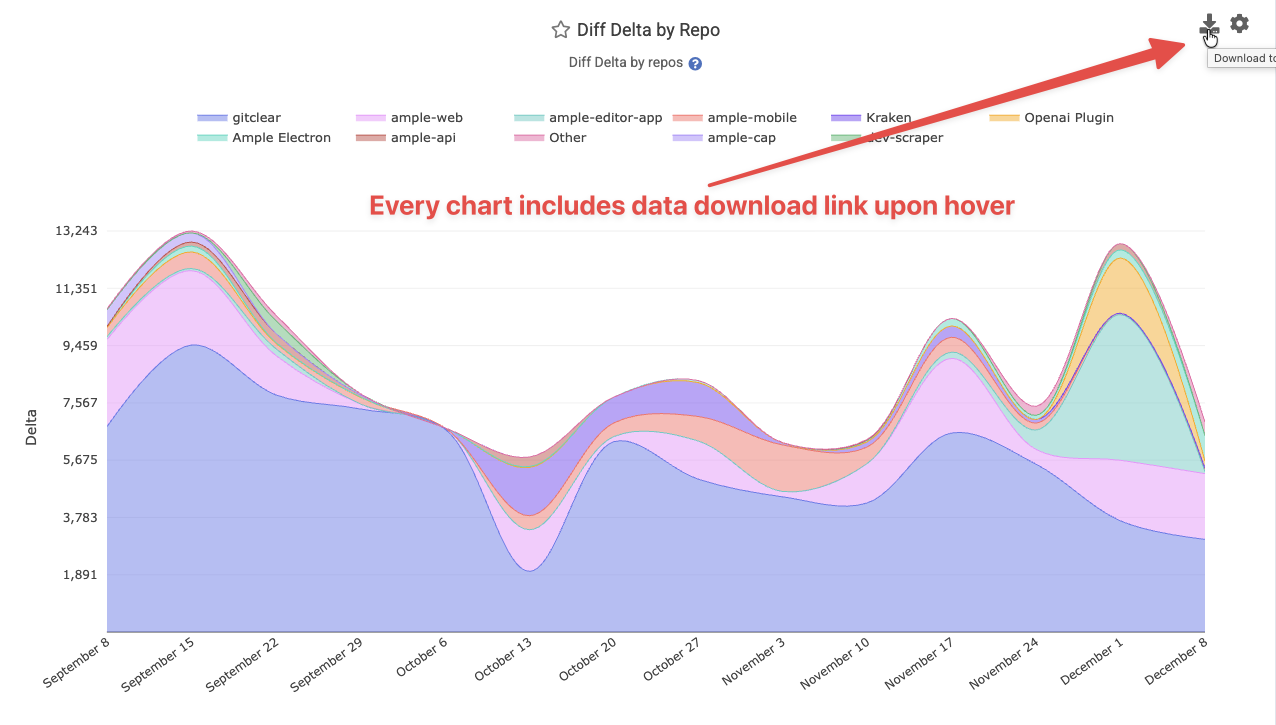
This will instantly generate a downloadable CSV file that breaks out each segment in the chart, given the input parameters: resource (entity, organization, or repo), date range, and team. It will also export data on the team's median value, or the industry benchmark value, if those options are enable in chart settings.
linkOption 2: Retrieve data via Reports API
Every chart on GitClear is available through a simple, thoroughly documented RESTful API:
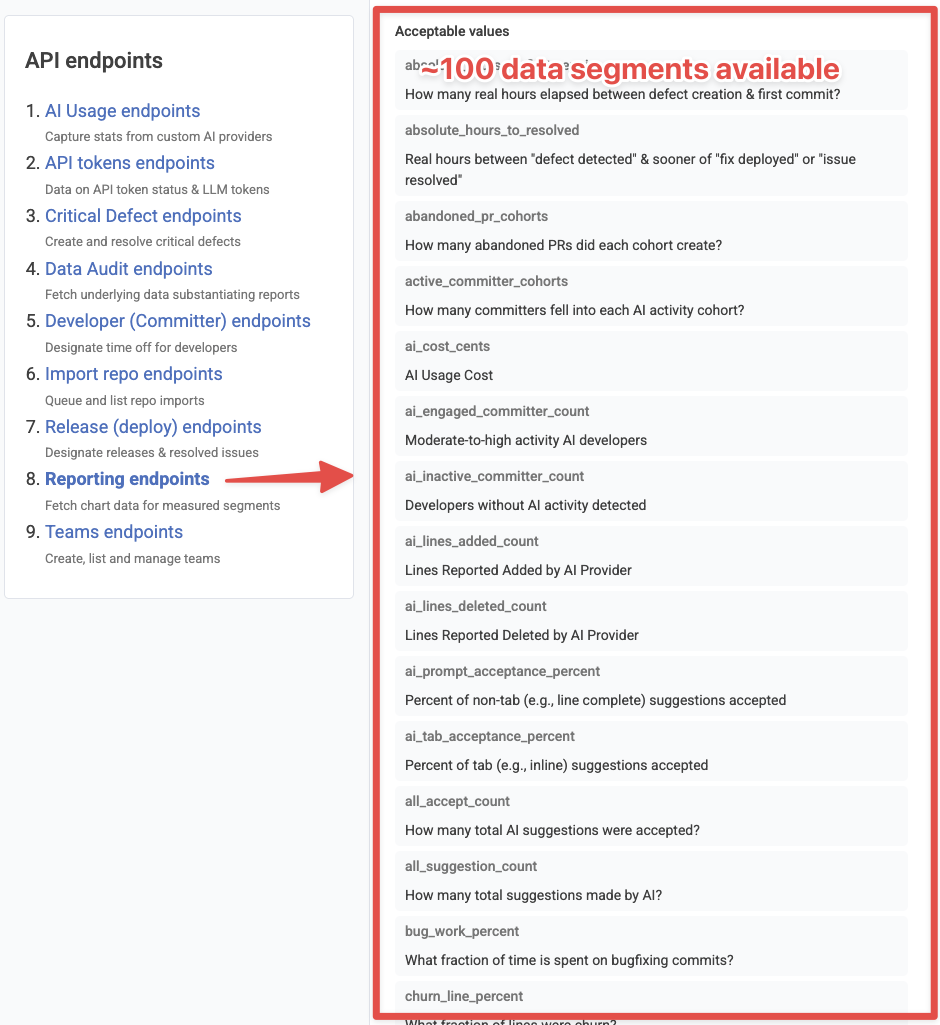
Using the API allows you to rapidly retrieve data from many charts, along any set of input parameters that you or your AI agent wishes to retrieve for analysis.