
Content note: This is the auto-generated version of the blog from Snap Changelogs, prior to Bill touching it up except for image resizing and adding some line breaks. It's preserved to prove how far even hardly-refined AI can get on transforming changelog => blog.
Hello again, dear users! 👋
Q2 2025 has been a quarter focused on giving you more control over your Amplenote experience. Whether you're customizing how your tasks behave when completed, tracking your daily mood patterns, or fine-tuning your plugin workflows, this quarter's updates center around a simple philosophy: you know how you work best, and Amplenote should adapt to you, not the other way around.
The headliners? User-configurable task completion modes and our new mood tracking system. But as usual, we've packed in plenty of co-headliners that might just become your new favorite features. Let's dive in! 🚀
linkThe Headliners
linkUser-Configurable Task Completion: Power to the People!
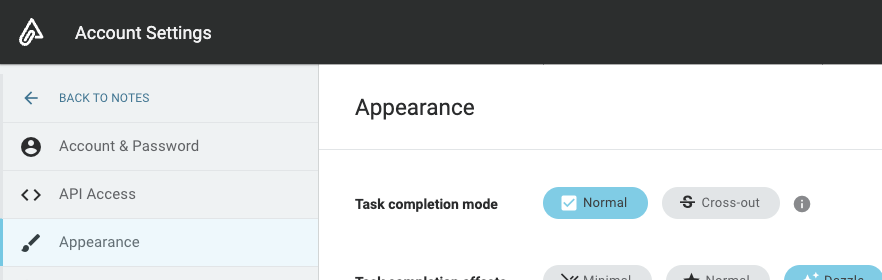
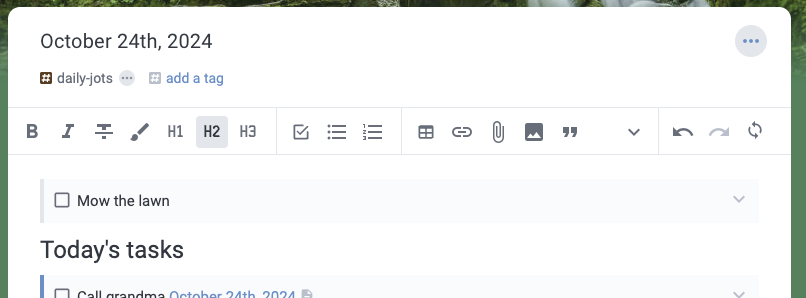
We've always liked evergreen notes and projects that cycle out old tasks, but we've heard from our users often enough that some love tasks that stick around. Power to the people! For our Q2 release, you can now configure your default task completion mode as an account-wide setting.
Choose between:
Cross-out mode: Tasks get struck through but remain visible (perfect for journaling and progress tracking)
Remove mode: Completed tasks disappear cleanly (ideal for evergreen project notes)
This addresses one of our most requested features and acknowledges that different productivity styles deserve different approaches. Whether you're journaling like Mike Vardy in Jots, or maintaining evergreen project notes, or tracking daily habits, Amplenote now adapts to your preferred workflow rather than forcing you into ours.
linkMood Tracking: Because Productivity Isn't Just About Tasks
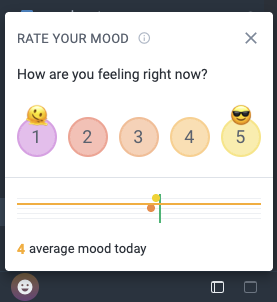
Our new mood tracking feature lets you record mood ratings throughout the day. This isn't just feel-good fluff—forthcoming updates will incorporate mood rating data to correlate with completed task stats and provide more options for reviewing historical mood data.
The feature reflects our belief that sustainable productivity requires understanding your patterns, not just grinding through tasks. Track your energy levels, correlate them with your most productive work periods, and build a more sustainable relationship with your todo list.
linkTask Deadlines: Finally! ⏰

One of our most requested features is finally here. Tasks now support deadlines with full calendar integration. Set a deadline, and it'll sync with your external calendars. Miss it? Our new overdue task indicators will keep you honest.
The implementation includes:
Visual deadline indicators in task lists
Calendar sync for deadline-based scheduling
Overdue task highlighting and filtering
Plugin API support for deadline manipulation
linkGlobal Task Capture: Jot From Anywhere
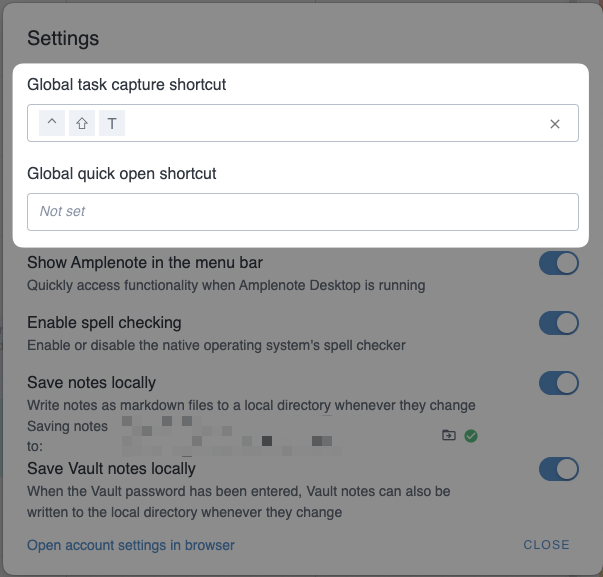
System-wide hotkey task capture is now available! Whether you're in Slack, browsing the web, or deep in another app, a quick hotkey combo opens our task capture dialog. Tasks land in your designated capture note, ready for processing during your next review session.
This feature bridges the gap between "I need to remember this" and "I need to open Amplenote." Sometimes the best productivity tool is the one that gets out of your way until you need it.
linkCo-Headliners Worth Your Attention
linkSmart Tag Filtering: Context Awareness Upgrade
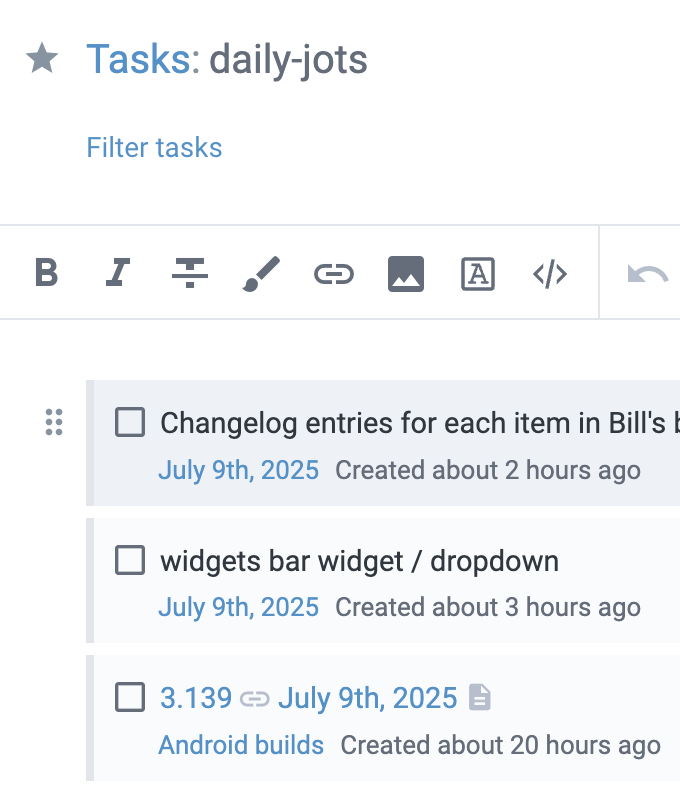
When filtering on a tag, we now include tasks that link to notes with that tag. This seemingly small change makes tag-based organization significantly more powerful. Tag a project note with "urgent," and all tasks linking to that note become visible when filtering for urgent items.
linkPlugin Embeds: Your Plugins, Everywhere
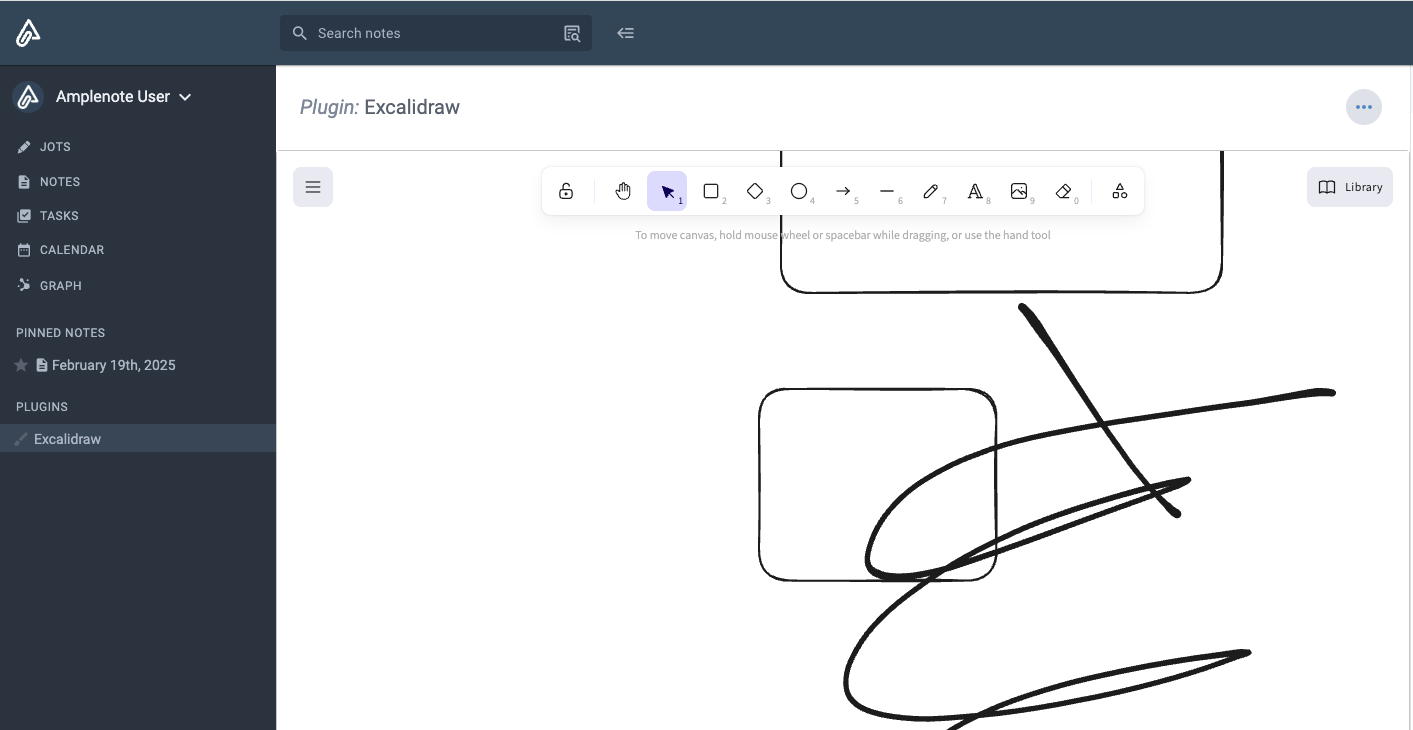
Plugin pane rendering and sidebar sections for plugin embeds are now available on mobile and desktop. This brings the full power of our plugin ecosystem to every platform where you use Amplenote.
For plugin developers, this opens up new possibilities for persistent UI elements and cross-platform consistency. Check out our updated plugin documentation for implementation details.
linkCompleted Task Analytics: Victory Values
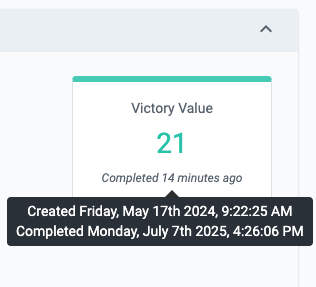
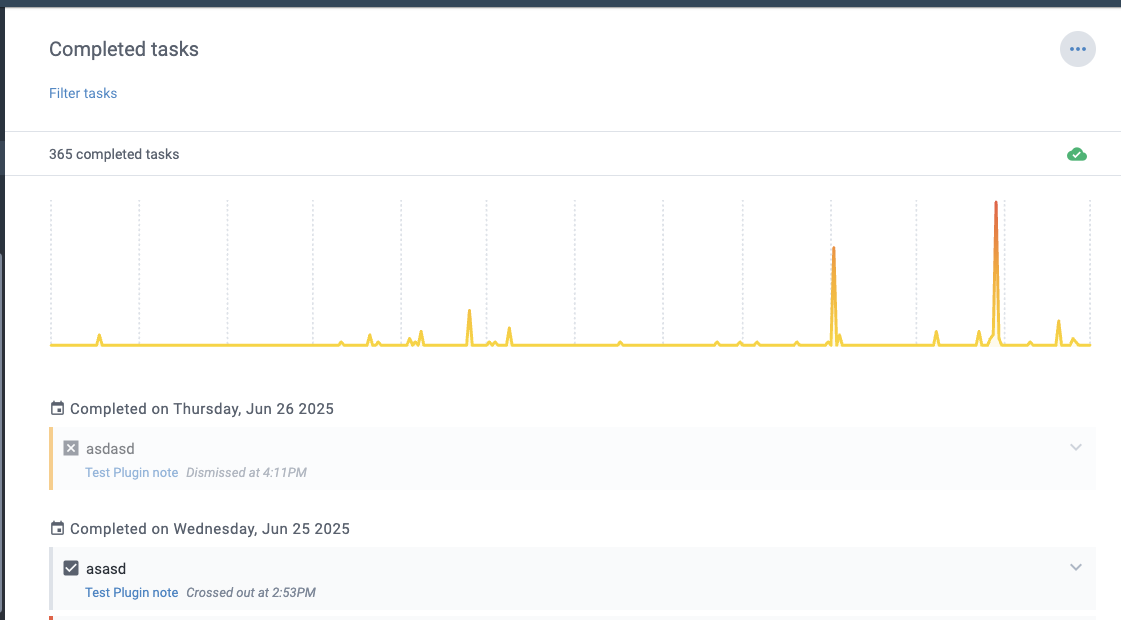
We've added "Victory Value" calculations for completed tasks, reflecting the value of their completion rather than just the value of working on them next. Combined with our new completed tasks view in Tasks mode, you can now track your productive output over time.
linkCalendar Integration Improvements
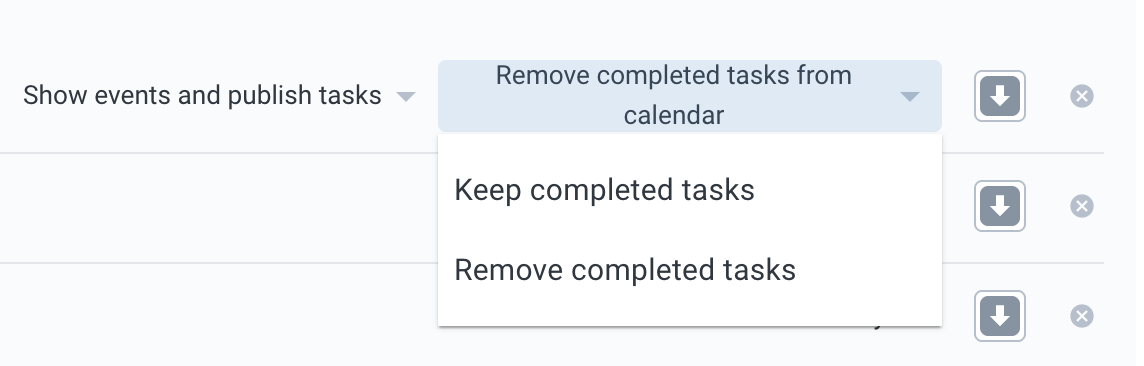
You can now remove tasks from external calendars when completing them in Amplenote. Finally! No more manually cleaning up your Google Calendar after finishing tasks.
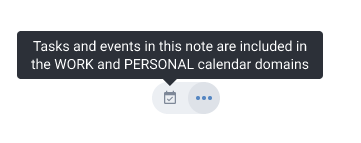
We've also improved visibility of calendar domains, making it easier to understand which calendar your events are coming from when you have multiple connected accounts.
linkNote Sharing & Publishing Upgrades
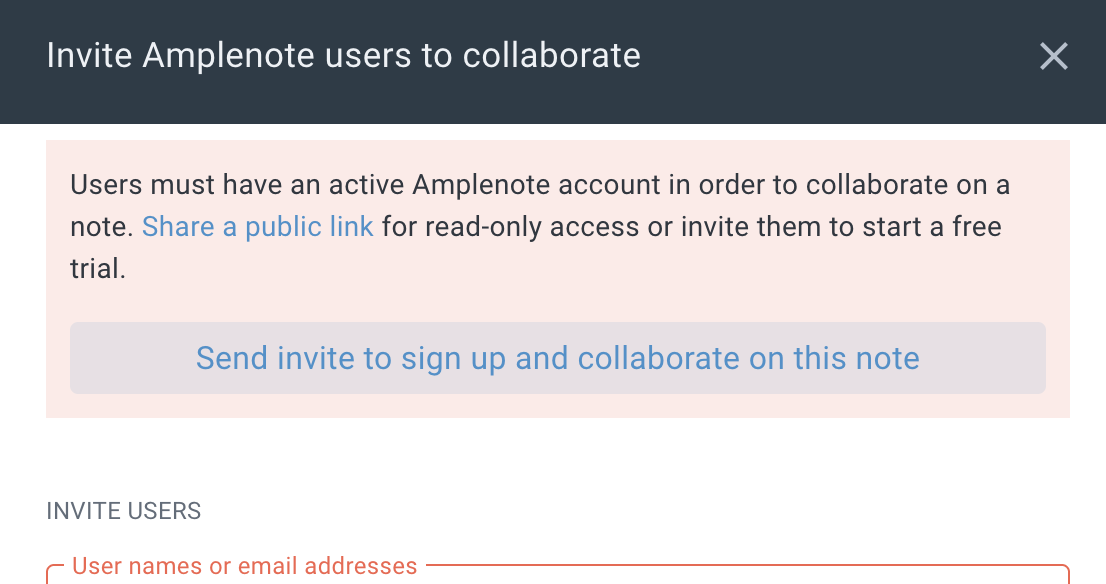
When inviting users to notes who don't have Amplenote accounts, you can now optionally send them a signup invite. Upon accepting, the note automatically shares with their new account. This removes friction from collaborative workflows and makes onboarding smoother.
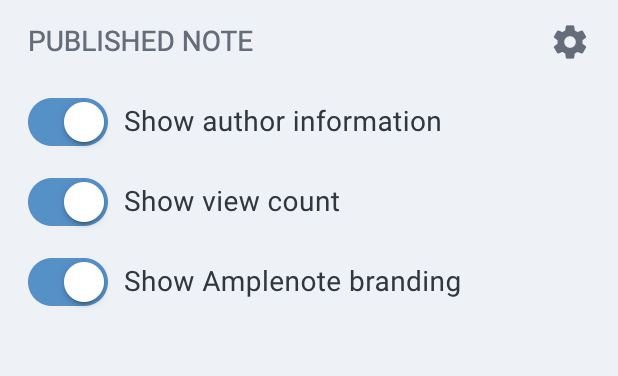
For Founder subscribers, we've added options to hide branding in public notes, giving you clean, professional sharing for client work and public content.
linkSlash Command Expansion: Your Swiss Army Knife Gets Sharper
linkThe Paragraph Command
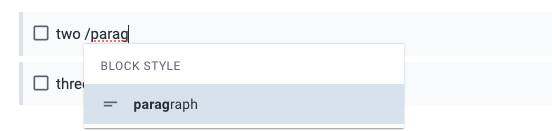
The new /paragraph command converts list items to plain paragraphs—perfect for reformatting content when your structure changes.
linkSelection-Based Slash Commands
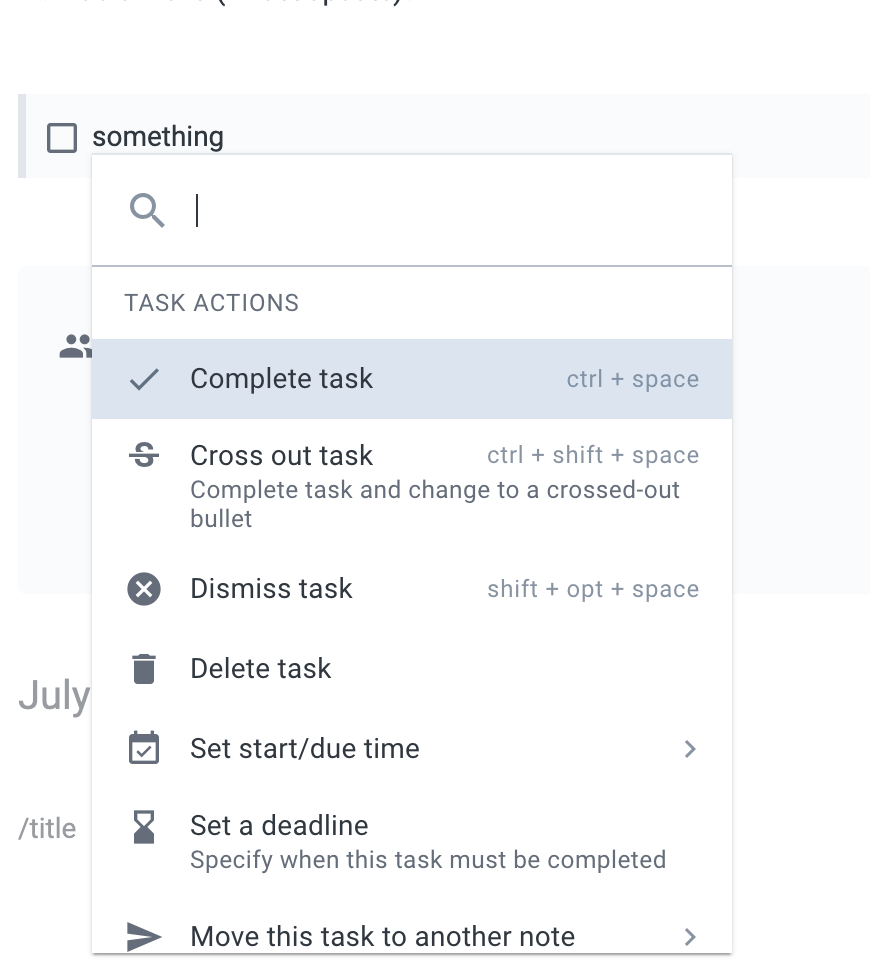
Slash commands now work with text selections! This leverages our plugin replaceText API and opens up powerful text manipulation workflows. Select text, hit /, and transform it in context.
linkPeek Viewer Enhancements
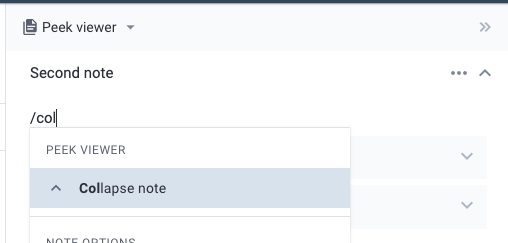
Added slash commands for collapsing notes in Peek Viewer and editing note titles directly from the Peek interface. Small touches that eliminate friction in your workflow.
linkUnder the Hood: Platform & Polish
linkTask Management Refinements
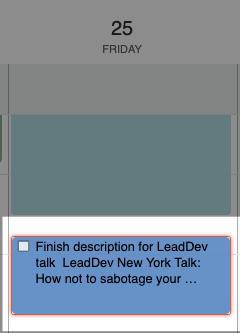
Overdue tasks now have clear visual indicators, and we've added filtering options in Tasks mode to focus on what needs attention.
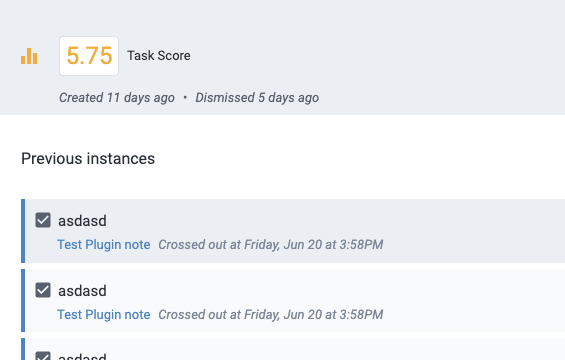
When viewing specific tasks, you can now see previous instances—helpful for recurring tasks and understanding patterns in your productivity.
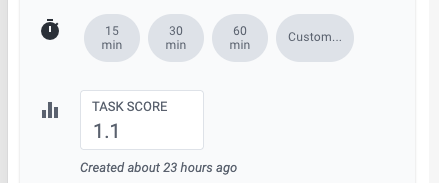
Improved task score display and input on small screens makes mobile task management more pleasant.
linkPlugin API Expansions
We've added several new plugin capabilities:
app.publishNote for programmatic note publishing
Deadline field access in task objects
Enhanced replaceText functionality for selection-based operations
Check our plugin documentation for implementation details.
linkAI Provider Diversity

We've incorporated additional AI providers beyond OpenAI: Anthropic, Gemini, Grok, Perplexity, and DeepSeek. More options mean better availability and the ability to choose models that work best for your use cases.
linkFile Attachment Improvements

Markdown files can now be attached to notes, expanding our file handling capabilities for users who work across multiple formats.
linkDesktop & Mobile Polish
linkDesktop Experience Improvements
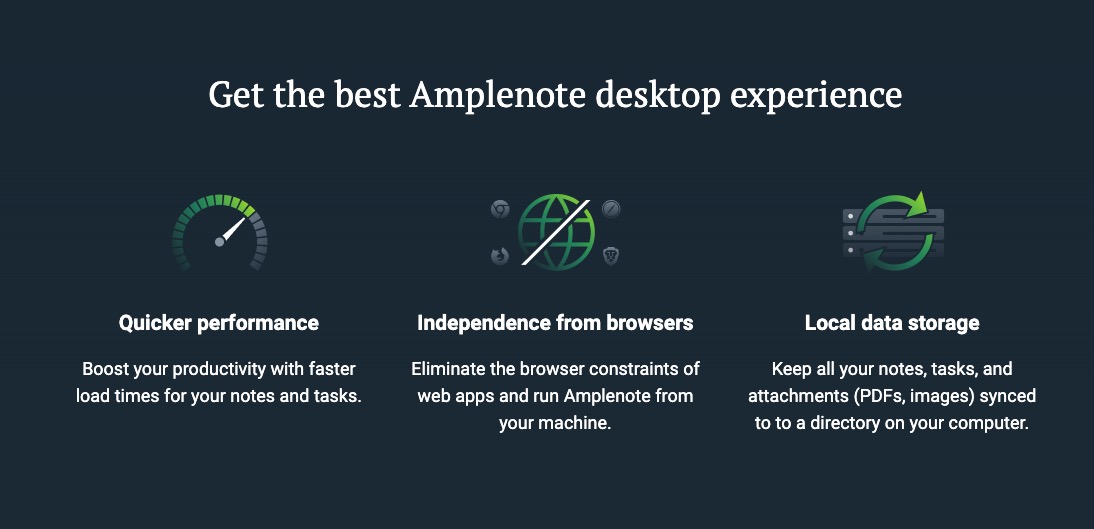
Our desktop download page now proudly highlights local data storage as a delivered feature rather than a future promise. The desktop app has graduated from beta to production-ready.
linkMobile Organization Updates
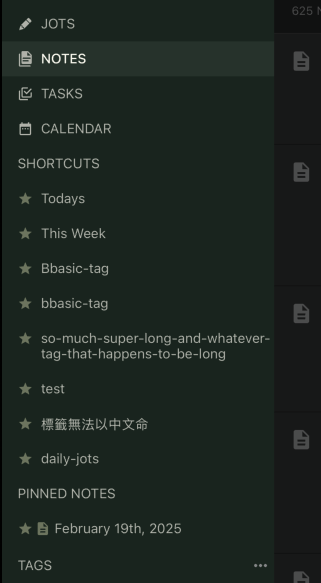
Pinned notes and shortcuts are now properly separated on mobile, matching web behavior and providing cleaner navigation.
linkQuality of Life Improvements
linkAuto-Archive Control
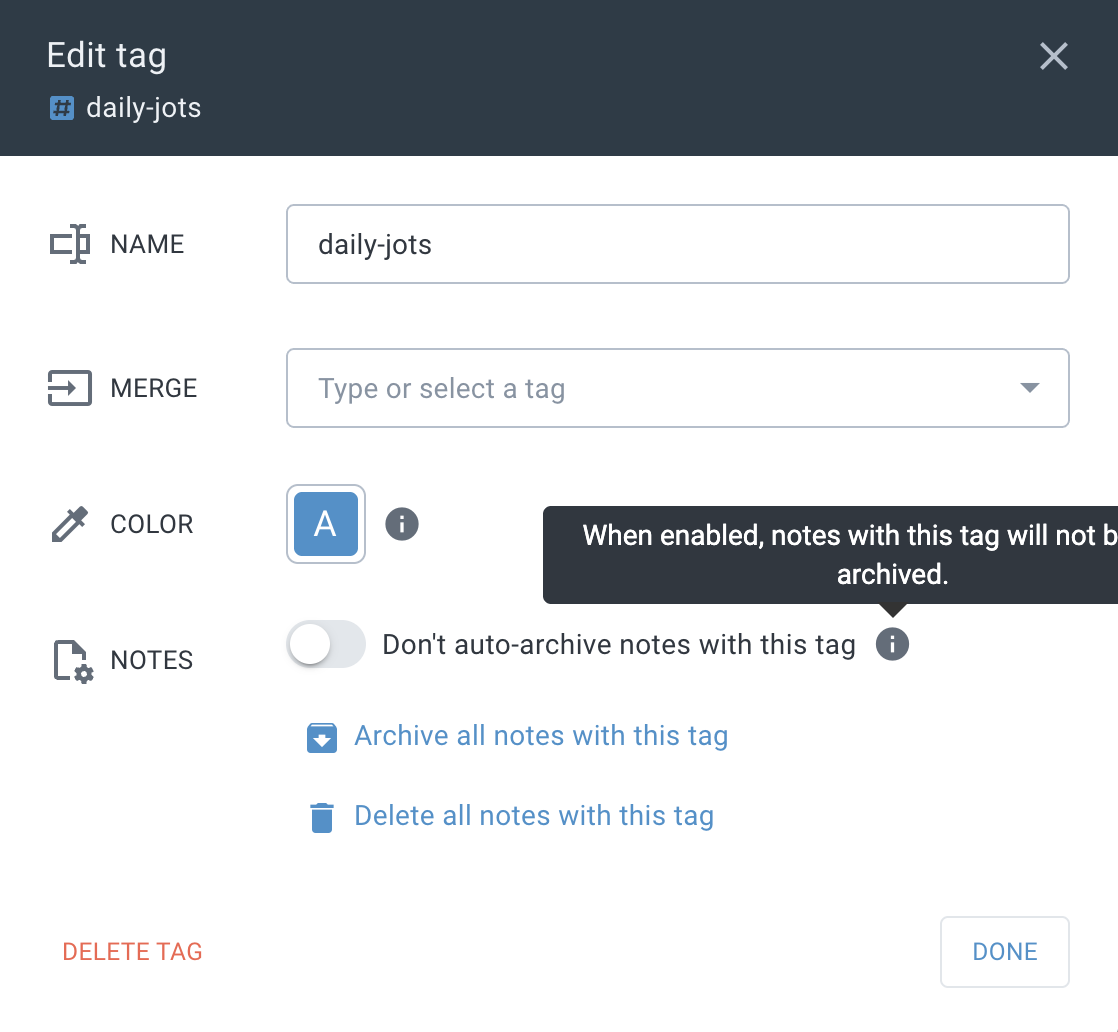
You can now prevent auto-archive for all notes with specific tags—perfect for keeping reference materials and evergreen content accessible.
linkPublic Note Enhancements
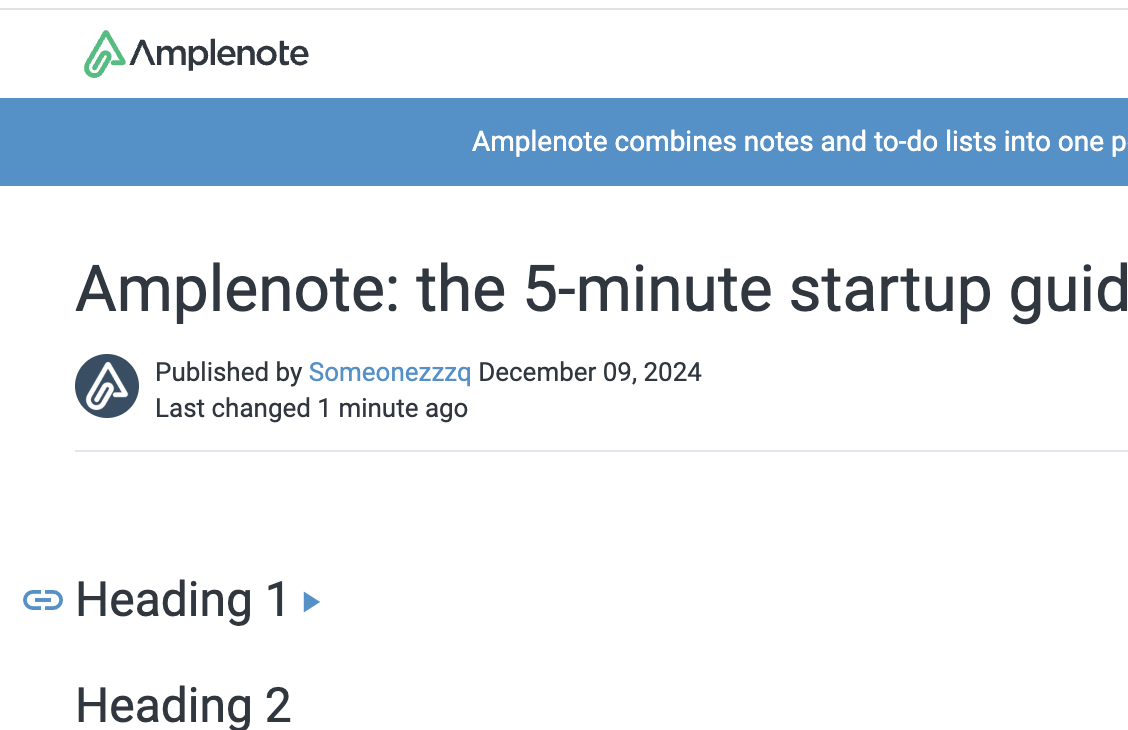
When publishing notes with collapsed headings, they remain collapsed in the public version. Viewers can expand them as needed, giving you control over information hierarchy in shared content.
linkTable Functionality Fixes
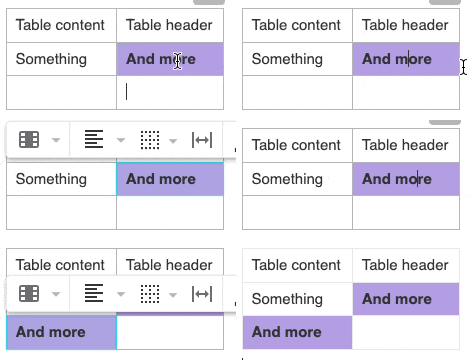
Fixed copy-paste functionality for table cells—a small but important improvement for users who work with structured data.
linkLooking Forward
Q2 2025 has been about giving you more control over your Amplenote experience, and we're just getting started. The user-configurable task completion modes and mood tracking features represent our commitment to adapting to your workflows rather than forcing you into ours.
Whether you're tracking your productivity patterns with mood data, capturing tasks from anywhere with global hotkeys, or customizing your note publishing for professional use, these updates reflect our community's diverse needs and use cases.
As always, your feedback drives our development priorities. Keep the suggestions coming through our feature voting board, and don't hesitate to reach out with questions or ideas.