
linkAre you a developer that would benefit from letting the public, and their team, see the coolest stuff you’ve programmed lately?
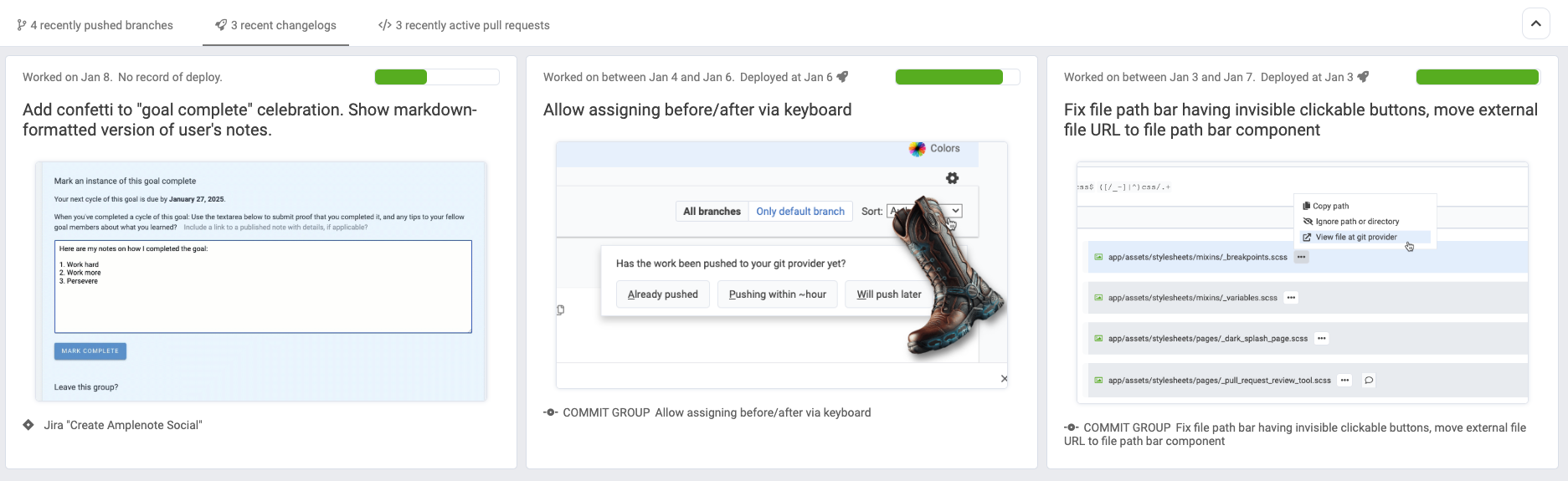
Viewing recent auto-generated changelogs that recombine commit info and screenshots uploaded to "the boot"
linkDo you wish you could get more specific, quantifiable feedback your audience about the projects you choose to work on?
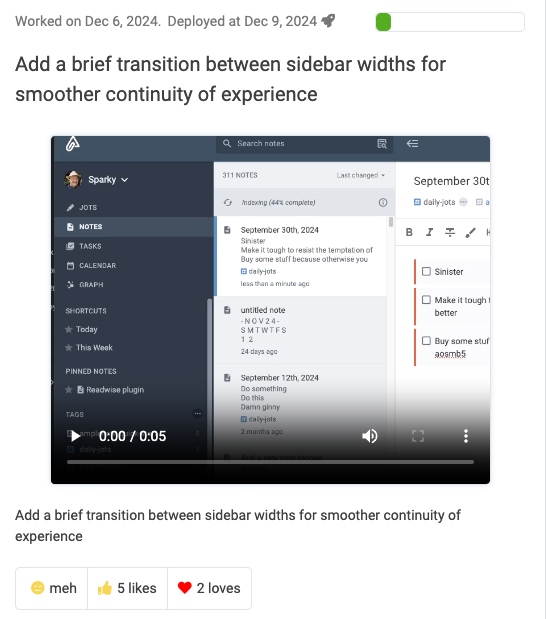
Both of these were dearly needed for our Amplenote (notes, tasks & calendar) product. We were doing a terrible job of keeping our customers appraised of what we were working on. Worse, when we finished something new, we would never get any feedback about whether our implementation was exactly what users had wished for, or more "meh."
That's why we are announcing the general availability of a free GitHub, BitBucket, GitLab Visual Changelog Generator tool. We think it can benefit any project that has followers or customers that are curious about what the dev team is progressing on.
This is the sort of tool that wouldn't have been possible 12 months ago. But the rapid pace of AI, and the heterogenous AI engines that we can now use to cross-check prospective results, we have crafted a changelog generator that can complete two difficult tasks:
1. Figure out how to describe what the developer worked on lately
2. Translate an uploaded screenshot to the description from item #1
If you’re the type that likes to nerd out on technical details, we’ll dig into the specifics of how we implemented this in the Footnotes section below. For the busy reader, the least to know:
It’s now possible to automatically generate a free “Greatest Hits” or “Hall of Fame” for the features and bug fixes you’ve completed during the past year. |
It is (relatively) cheap for us to generate these, so we expect to keep the feature free for the foreseeable future. 💸 Some users will just want to generate a public changelog, and that’s OK with us. Other users will want their changelog alongside some dev stats or a unique take on a PR tool, and a few of those users are all we need to cover the costs of the former crowd.
linkHow it works
In a nutshell, there are about 4 steps: Log in with your usual git provider. Pick a name for the changes you want to publish (e.g., “Amplenote Product Changelog”). Hit publish and copy the URL. Visit GitClear occasionally to upload screenshots.
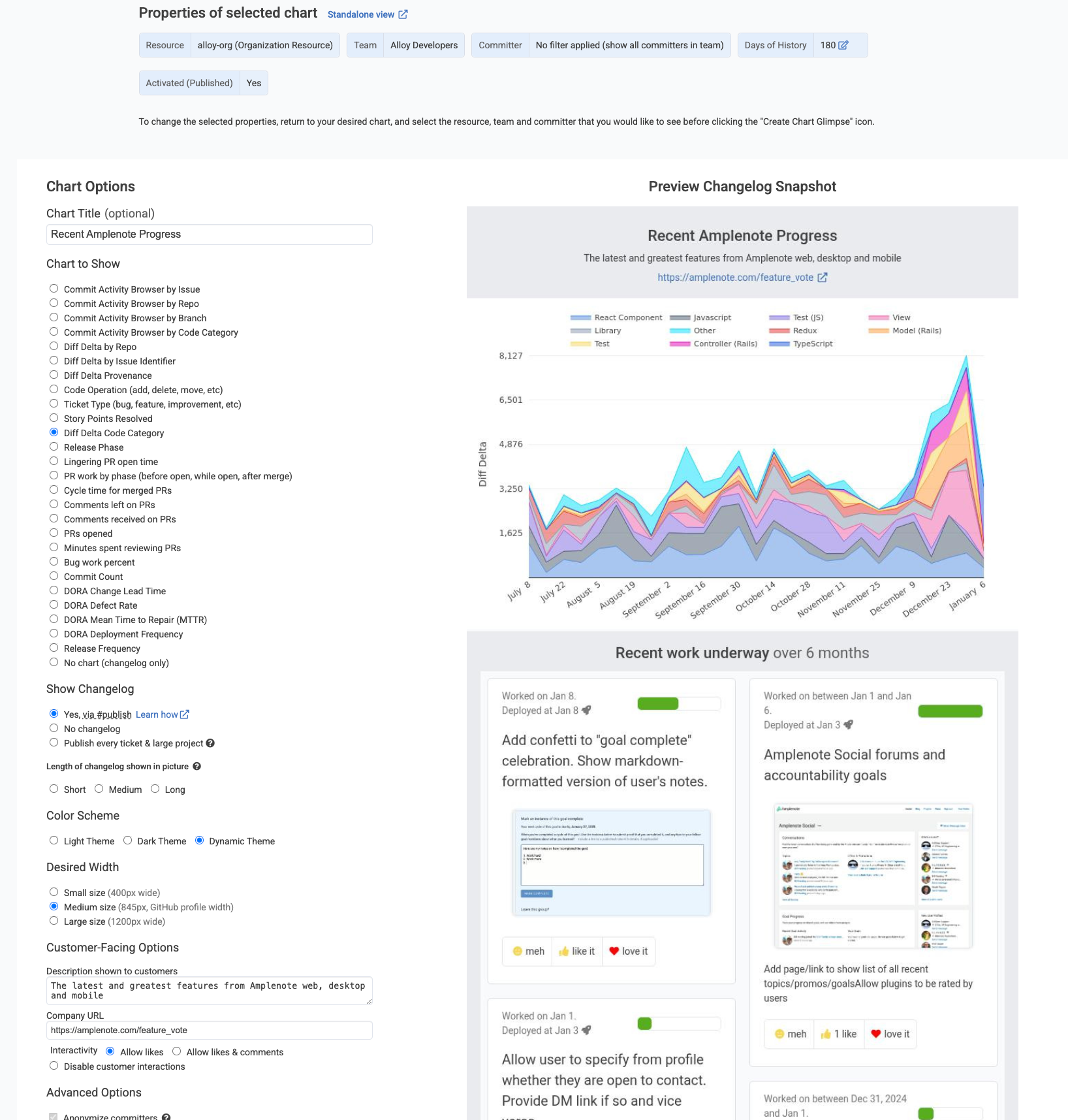
Setting up the Snap Changelog for our Amplenote Product Changelog. Here is the "after" version with these settings.
For people who want to publish a more curated version of their work, the Changelog Editor allows you to finely craft the language that is used to describe what you changed. You can also manipulate the pictures and videos that have been uploaded, to whatever the extent the media you upload is not automatically assigned.
Jordan and I have been publishing changelogs for Amplenote and GitClear since December. We spend around 5-10 minutes per week between taking=>uploading screenshots and polishing the AI-written text to summarize recent work. For this 5-10 minutes, we generate a sprawling history of what the developer has completed lately.
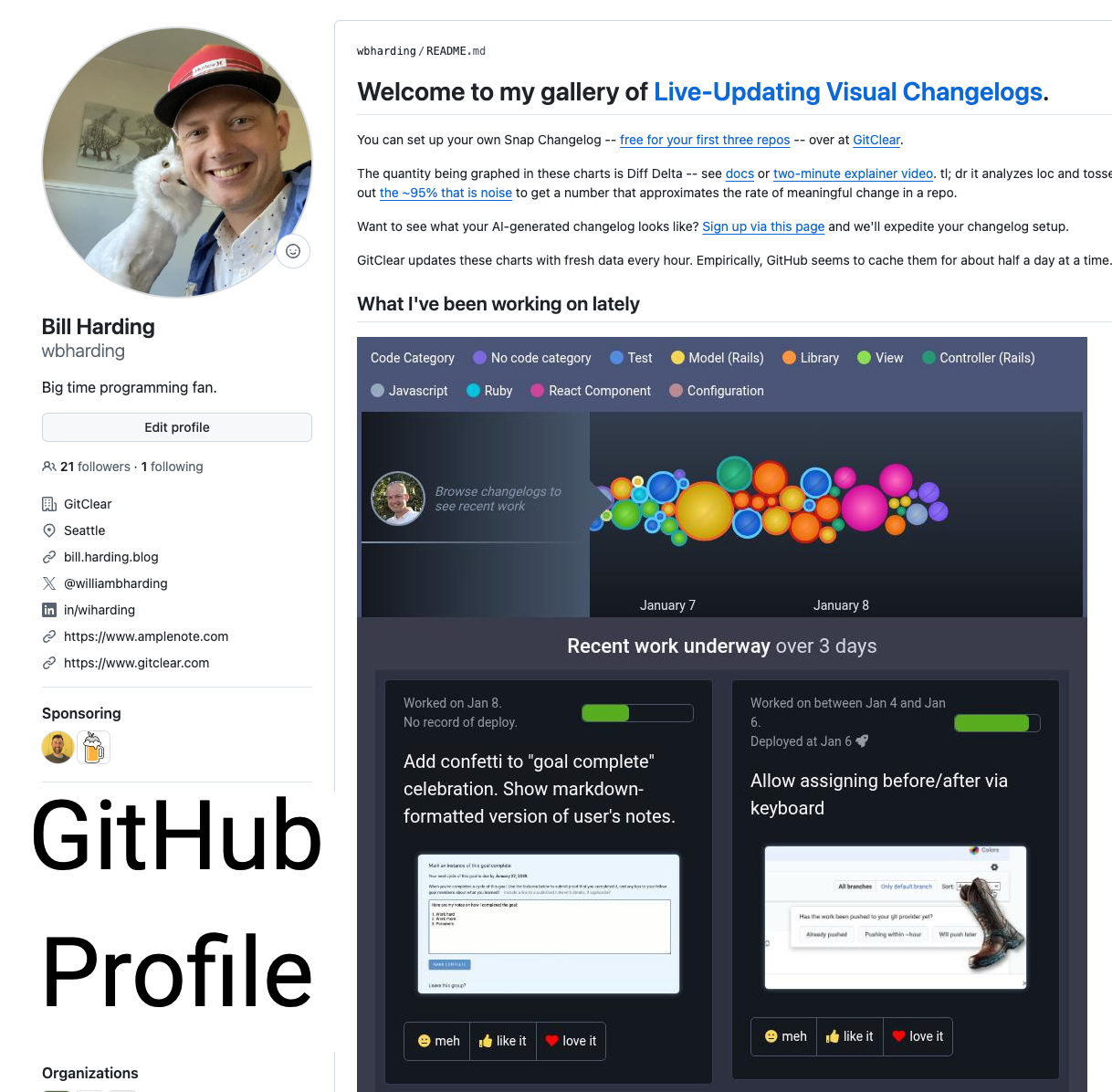
It’s a lot easier to build supporters when others can see that you are engaged and making progress. If you do GitHub Sponsors and you are trying to maximize your user engagement, this tool should be considerable upgrade over any other option that can be published to a GitHub profile (gallery of the next-best GitHub profile widgets we’ve seen in the wild)
linkWhat to use automated changelog generator for?
Here are seven places/use cases where a developer or their team can benefit from uploading screenshots of their work to GitClear, and visiting the Changelog Review tab (to publish interesting work) weekly.
Publishing daily progress to customers (example). Let customers get excited seeing their product requests spring to life! Minus the tedious post hoc scouring of commit history and Jira.
Which feature launches (/bug fixes) are most popular w/ customers (example)? Customers get to vote on which changes are most exciting (or meh) to them, no login necessary. Can be embedded in any site.
Data-informed Annual Reviews (documentation). Whenever a developer pastes a screenshot of what they're working on, they are building a portfolio to remind themselves (and their boss) the breadth of work that can be completed in a year.
GitHub Sponsors subscriber documentation (video). What better way to prove to prospects that you get things done than to show them a gallery of what you've implemented lately, and how many people appreciated each feature added.
Freelancers establishing reputation (example). By filling your GitHub profile with visual proof of what you've actually programmed, you can get a leg up with prospective employers, whose other prospects will likely only have stories and text to substantiate their value.
New graduates establishing reputation with employers. As with the previous example, this is another group that can dazzle high-profile employers by proving the initiative to contribute to open source projects in a way that you can screenshot and document. Their other candidates will try to describe with words what they worked on, while you can show it with a gallery.
Open source projects trying to inspire new contributors. How is a prospective new contributor supposed to know whether to be excited about your project, when all they have to go on is the text in your repo's Readme, and the dry text of GitHub's commit history? Wouldn't you rather see a gallery of recent accomplishments & notes on how it got done?
linkConclusion
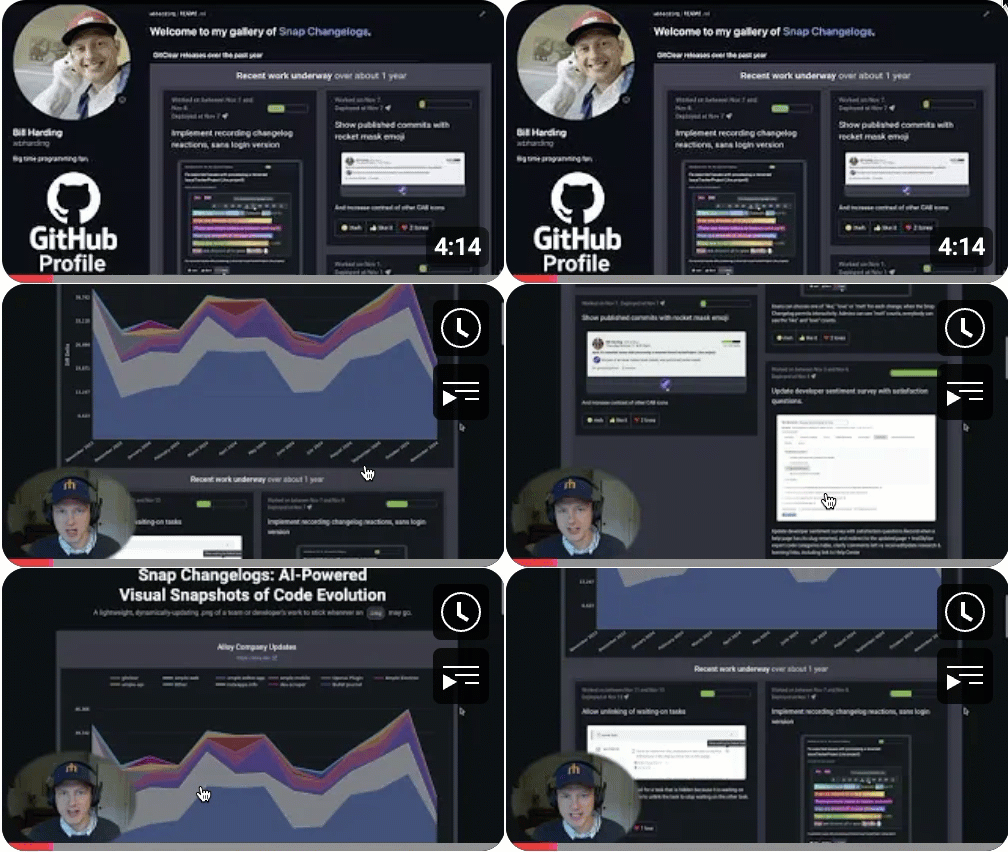
The best features are the ones that don’t need 5,000 words to describe how they work and why they would benefit you. If you match the description from the intro, it should be apparent by now that are using time inefficiently if you still scour your git history and dig back through your app to go capture images posthumously (if you get images at all).
This post may become 5,000 words anyway, but only because some people are incredibly curious about how complicated puzzles get solved. For the rest of the audience, please just give it a try and give us a URL of where you post it, if you want us to promote your cause?
For the first 100 developers/projects that send hello@gitclear.com a link of where you are using an automated changelog, we will post a link (sans noref, full spider credit) on a page of implementations. This page will serve the dual purpose of letting new visitors the chance to see how much engagement a reaction-enabled changelog can produce.
PS: Curious how all the pieces for Snap Changelogs came together? Here's the in-depth story of how we built it. 🤓